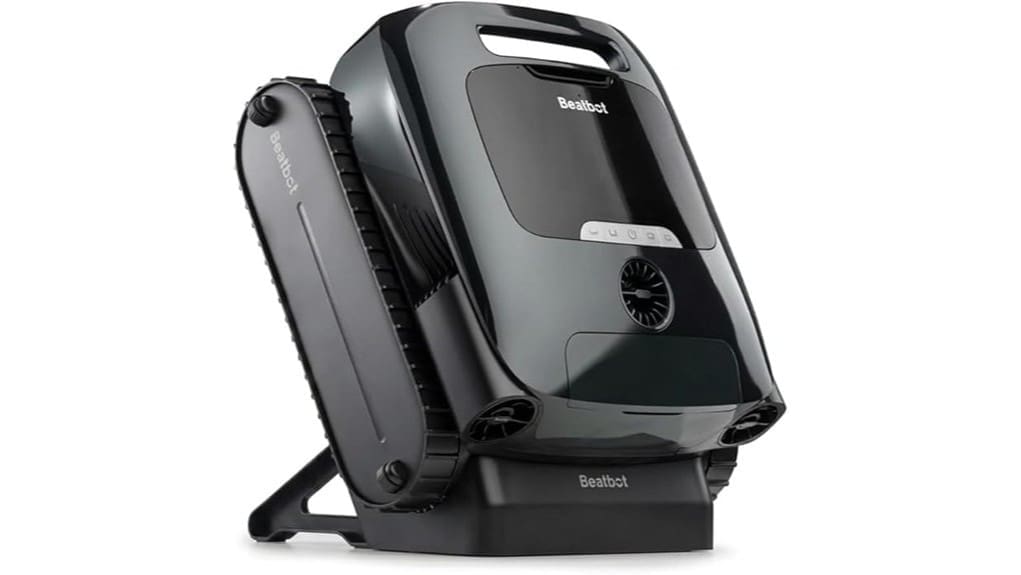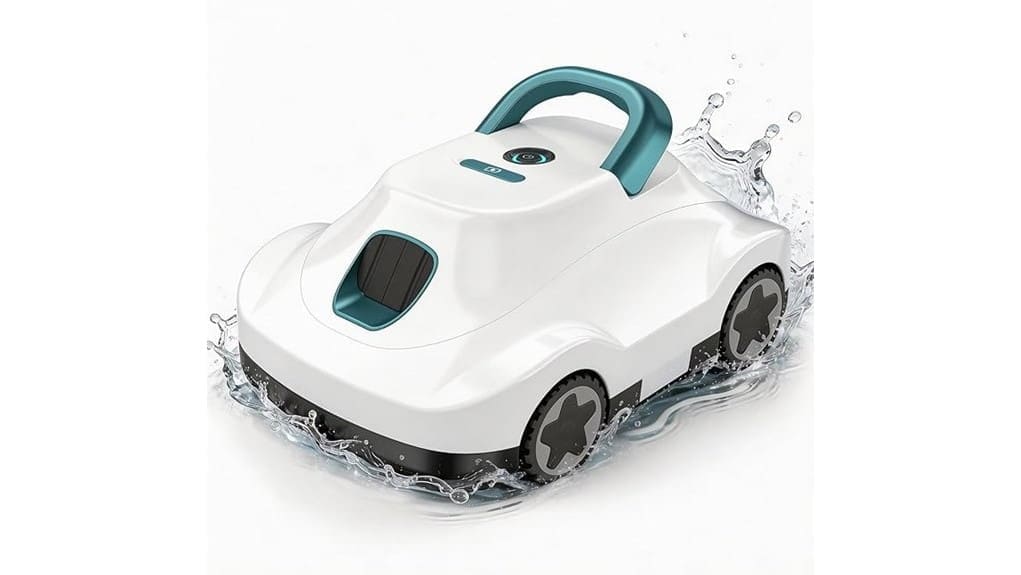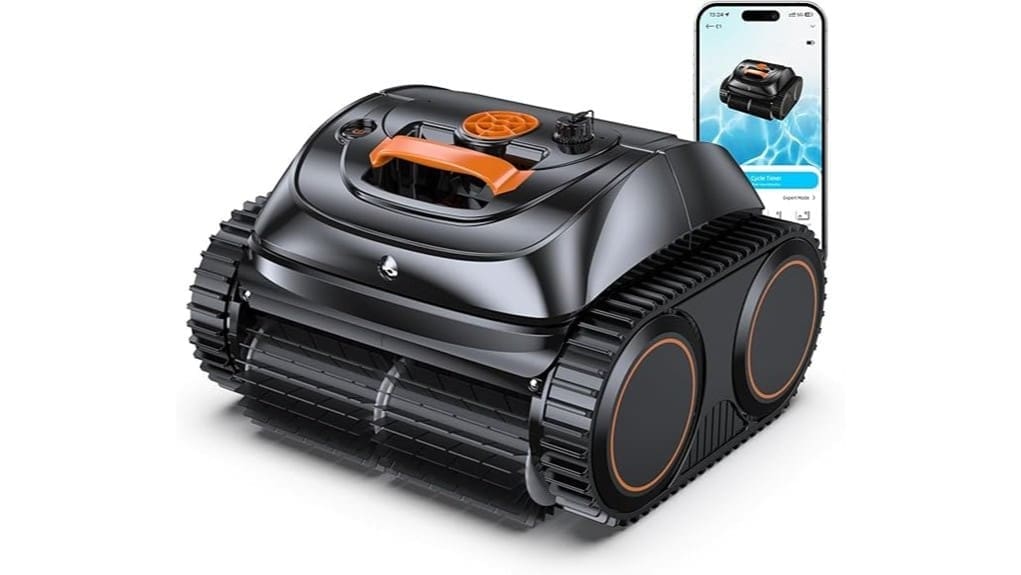
You’ll get a cordless 4‑in‑1 robotic cleaner that vacuums floors, climbs walls and steps, and scrubs the waterline using a high‑flow pump (to 3,038 GPH) and dual PVC brushes. It captures sand, leaves and biofilm in a primary filter, climbs slopes to 45° with a triple‑motor platform, and avoids drains via upgraded sensors. Expect about 150 minutes per 4‑hour charge and app presets for targeted cycles; keep scanning for setup, maintenance, and troubleshooting guidance.
Some Key Takeaways
- Effective 4-in-1 cleaners should actively clean floors, walls, waterline, and steps without manual scrubbing.
- Look for high-flow suction (up to ~3,000 GPH) plus dual brushes to remove biofilm and stubborn stains.
- Battery runtime (up to 150 minutes per 4-hour charge) and coverage (~1,614 sq ft) must match your pool size.
- Navigation features—climbing motors, obstacle sensors, and programmable modes—ensure reliable wall and slope performance.
- Check maintenance needs: filter cleaning, brush replacement, battery care, and OTA firmware troubleshooting support.
What This 4‑in‑1 Pool Vacuum Actually Does (Floor, Walls, Waterline, Steps)
Typically, the 4‑in‑1 Pool Vacuum actively cleans all primary pool surfaces—floor, walls, waterline, and steps—by combining a high‑flow suction pump (up to 3,038 GPH) with dual PVC brushes and programmable navigation. You deploy it to restore waterline finish, remove biofilm, and perform targeted waterline restoration without manual scrubbing. You command mode selection to prioritize floor or wall passes and initiate focused step detailing to extract debris from corners and risers. You monitor status via app telemetry, adjust cycle intensity, and rely on filtration capacity to capture sand, leaves, and sediments while maintaining consistent surface contact and coverage. It’s designed to give homeowners more time to enjoy their outdoor spaces by automating routine maintenance with reliable performance and easy controls, emphasizing effortless pool cleaning.
How the 26-OS7010C Cleans: Suction, Brushes, Climbing, and Obstacle Avoidance
The 26-OS7010C combines a high-flow independent water pump (up to 3,038 GPH) with dual PVC brushes, a triple-motor climbing platform, and upgraded obstacle-avoidance sensors to dislodge and capture debris across floors, walls, waterlines, and steps. You’ll rely on the independent pump to generate consistent suction through the primary filter, maintaining peak flow for sand, leaves, and fine sediment. Dual PVC brushes agitate biofilm and stubborn stains while transport channels move debris into the collection bin. The triple-motor smart climbing system modulates torque to scale slopes up to 45°, and sensors detect and navigate around drain openings. The system is ideal for homeowners who want to keep their outdoor spaces pristine with robotic pool cleaning solutions like those sold on our site, focusing on robotic pool vacuums for residential inground pools.
Real-World Performance: Runtime, Coverage, and App-Controlled Cleaning Modes
Having established how the 26-OS7010C handles debris, examine how its runtime, coverage, and app-driven modes affect daily pool maintenance. You’ll get up to 150 minutes per 4-hour charge from the 4,600 mAh battery, adequate for most pools under the 1,614 sq. ft. coverage spec. Expect gradual battery degradation over months; factor reduced run times into scheduling. App-controlled modes (five presets, S-path, N-path, four cycles) let you target floors, walls, or mixed programs and set repeats. Monitor operation in real time, but be aware that signal latency can delay remote commands and scheduling confirmations. For homeowners who value tailored outdoor living, choosing the right hose and accessories can improve performance and longevity by matching equipment to yard size and pool type; consider pool vacuum hose options when planning upgrades.
Who Should Buy This Cordless Robotic Cleaner : Pool Types, Sizes, and Use Cases
If you manage an inground or above-ground pool up to about 1,614 sq. ft. and need a cordless, low-maintenance cleaner that handles floors, walls, waterline, and steps, this 26-OS7010C is a practical choice. You should buy it if you want automated, app-controlled coverage for medium to large residential pools, need efficient debris and sediment removal, and prefer cordless operation with self-parking retrieval. It’s compatible with salt systems and standard chlorinated pools. Ideal use cases: routine weekly cleaning, targeted stain removal, and multi-surface maintenance. Consider alternative solutions if you require commercial-scale throughput or year-round outdoor storage without winter storage preparation. Visit our site for pool pump installation kits and other accessories to optimize your outdoor living setup.
Setup, Maintenance, and Troubleshooting Tips for Long-Term Reliability
Before you rely on the 26-OS7010C for routine cleaning, set up, maintain, and troubleshoot it to preserve performance and battery life. Place the unit on a level surface, fully charge the lithium-ion pack, and configure app schedules. Rinse debris from intake ports after each cycle. Inspect dual-PVC brushes and perform filter replacement on the cartridge when flow drops or pressure indicators rise. Store batteries at 40–60% charge in a cool, dry place for ideal battery storage. For navigation or motor faults, reboot firmware via OTA, check for entanglements, and contact support if errors persist. Manual vacuums are an excellent option for homeowners who want to keep their pools pristine while enjoying outdoor spaces on their property.
Some Questions Answered
Does It Come With Replacement Brushes or Filters in the Box?
No, the box doesn’t include replacement parts like spare brushes or extra filters. You’ll get the cleaner, required batteries, and standard consumables; replacement parts must be ordered separately from the manufacturer or retailer. For maintenance tips, clean filters after each run, inspect dual-PVC brushes for wear, and schedule periodic OTA firmware checks to guarantee obstacle-avoidance and navigation perform at their best. Keep spare filters and brushes on hand to minimize downtime.
Is the Charger Compatible With International Voltages?
Yes — the charger supports international compatibility. You’ll find it rated for standard global input ranges (typically 100–240V AC), so it’ll accept various voltages. You may still need local voltage adapters or plug converters for physical plug shape differences; those aren’t usually included. Verify the charger label for confirmed input specs and consult the manufacturer for regional certifications. Use only approved voltage adapters to avoid damage or voiding the warranty.
Can Multiple Users Share the App Account Simultaneously?
Yes — the app supports multiple logins and Family access so several users can control and monitor the cleaner. You’ll add individual accounts and grant shared device permissions; concurrent control is allowed but may queue conflicting commands. The app records actions per user for accountability. Make certain each family member updates firmware and uses the latest app version to maintain sync, OTA compatibility, and stable remote scheduling and real-time monitoring.
Are Replacement Batteries Available From the Manufacturer?
Yes — you can obtain replacement batteries through manufacturer support. For battery sourcing, contact WINNY POOL CLEANER with model 26-OS7010C to request the specified 4,600 mAh lithium‑ion battery packs (99.36 Wh). The manufacturer can confirm compatibility, part numbers, and warranty coverage. If direct supply isn’t available, they should recommend approved third‑party sources or authorized service centers to guarantee safe, compatible replacements.
Does It Void Warranty if Used in Saltwater Pools?
No — using the cleaner in saltwater pools doesn’t automatically void the warranty, but you should check warranty nuances. You’ll want to follow manufacturer guidance to prevent saltwater corrosion: rinse the unit with fresh water after each use, avoid prolonged exposure, and use recommended anode or protective parts if supplied. Failure to follow those care instructions or using non-approved repairs could negate coverage, so document usage and maintenance for claims.