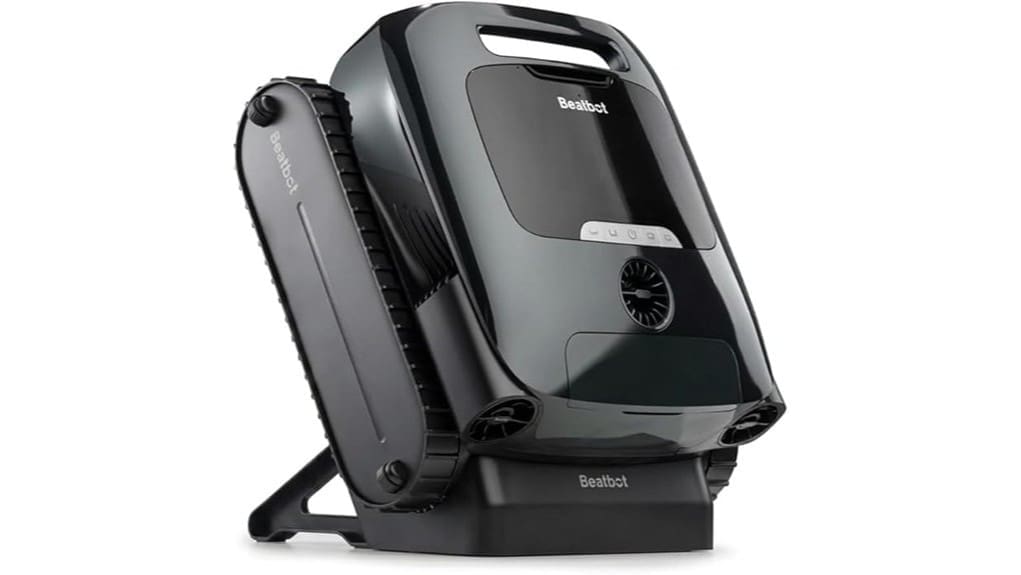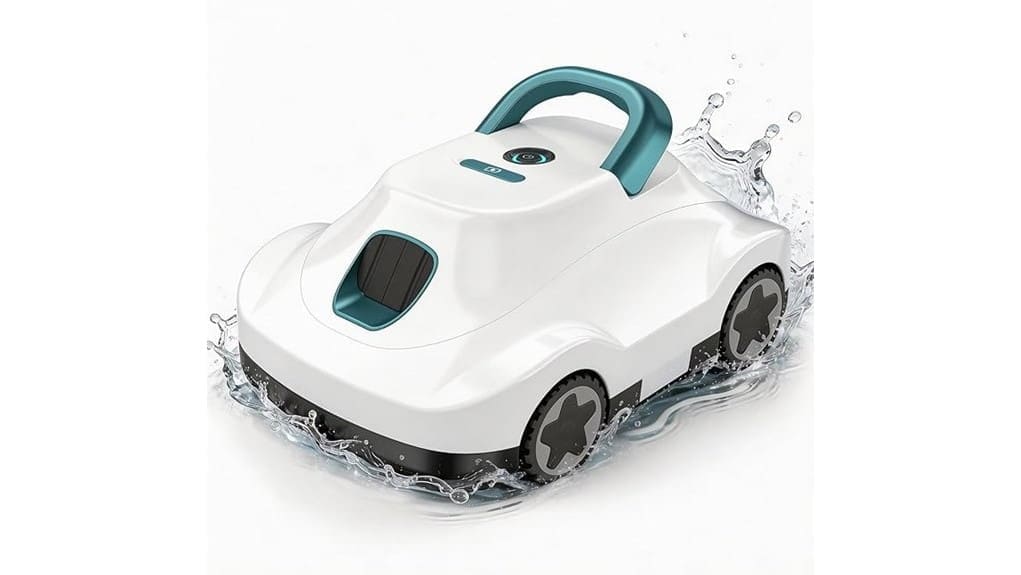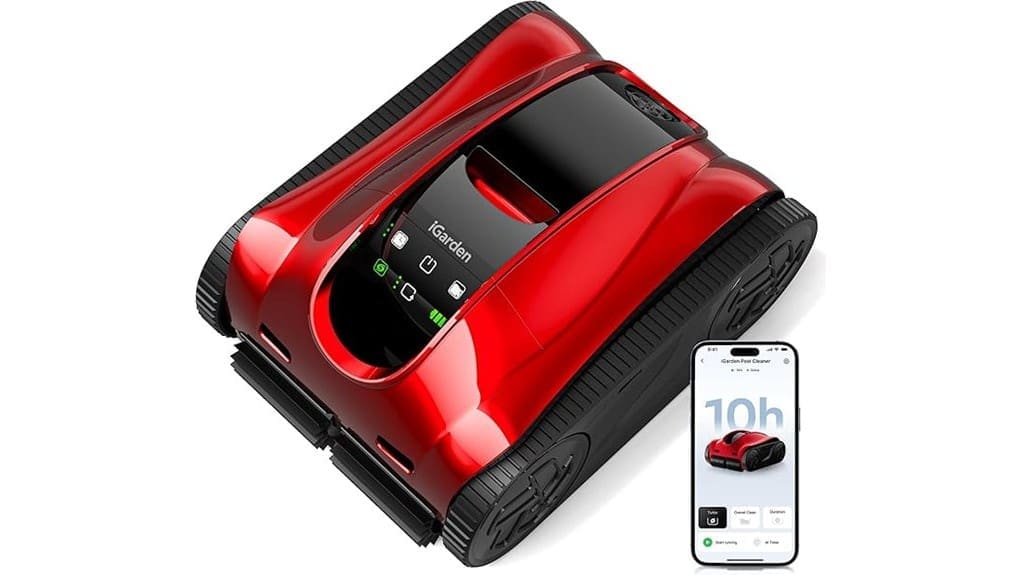
You’ll find the iGarden K Pro boosts suction and uses AI pathing to clean medium-to-large inground pools more efficiently than most single-motor units. It delivers strong floor brushing, reliable wall climbs, and decent waterline pickup, though very fine silt may need extra runs. Battery gives long runtimes but long recharge and non‑swappable cells limit back-to-back use. OTA updates and adaptive traction improve coverage and obstacle handling. Keep going to see detailed performance, battery tradeoffs, and buying alternatives.
Some Key Takeaways
- Superior dual-motor suction and AI pathing deliver strong floor, wall, and waterline cleaning for medium-to-large pools.
- Turbo Mode clears dense leaf loads quickly, while Eco conserves energy for routine maintenance.
- Up to 6 hours for full-pool runs and 10 hours floor-only; 10-hour recharge limits daily back-to-back use.
- 180 μm debris basket captures most fine debris; very fine silt may need repeated cycles.
- 3-year replacement support and monthly OTA updates improve longevity and navigation over time.
Real-World Verdict: Does the iGarden K Pro (K100) Actually Clean Better?
Although lab numbers look strong, the K Pro’s real-world cleaning gains depend on your pool size and debris type. You’ll notice superior suction and efficient AI pathing in medium to large pools up to rated volume, especially versus single-motor units. Turbo Mode handles dense leaf loads faster, while normal mode saves energy for routine cycles. Compare runtime limits for full-pool runs; larger pools may need more frequent sessions. Consider long term durability—materials and 3-year replacement support look reassuring, but long-term user feedback will confirm wear on tracks and impeller. Overall, benefits are situational and measurable. Many homeowners who enjoy their outdoor spaces prefer robotic solutions for hands-off maintenance and consistent results, especially when choosing a unit designed for residential pools.
How Cleaning Performance Breaks Down : Floor, Walls, Waterline, and Fine Debris
Break down the K Pro’s cleaning into four targeted areas—floor, walls, waterline, and fine debris—to see where its engineering choices matter most. You’ll find floor coverage excellent: dual rubber brushes and AI pathing deliver uniform contact and high brush efficiency, clearing grit and leaves across full floor area. Walls climb reliably; anti-slip tracks and adaptive torque maintain traction but need occasional edge passes for grout lines. Waterline pickup is good on light scum thanks to suction consistency and turbo bursts. Fine debris collects well in the 180 μm basket, though very fine silt can require repeated runs for complete removal. This review is geared toward homeowners who enjoy their outdoor spaces and want reliable above-ground pool cleaning performance.
Battery, Runtime, Charging, and Operating Modes You Need to Know
When you weigh the K Pro’s power system, its 364.2 Wh lithium‑ion battery (21 cells, 1.8 kg) delivers a clear tradeoff between long runtimes and overnight charging: expect up to 10 hours on floor‑only cycles and about 6 hours for full‑pool runs (floor, walls, waterline), with a 10‑hour recharge time that makes daily back‑to‑back use impractical but twice‑weekly schedules feasible; the single included nonstandard battery simplifies replacement but limits hot‑swap flexibility compared with multi‑battery systems. You’ll monitor battery health via the app, track charge cycles, and choose operating modes—eco for efficiency, normal for balance, Turbo boost for 200% suction when tackling stubborn debris. This fits well for homeowners looking to enhance outdoor living with smart pool automation solutions.
Navigation, Mobility, and Smart Features Tested: Coverage, Obstacle Handling, and OTA Updates
If you’re judging the K Pro on how thoroughly and efficiently it maps and moves, its AI 3D “S”-shaped path planning and adaptive torque control deliver clearly measurable gains over conventional robots: coverage is optimized to reduce overlap and blind spots, achieving up to 5× greater area efficiency versus standard inground vacuums, while adaptive torque and anti-slip tracks let the unit climb walls, traverse slopes, and negotiate steps with minimal stalling. You’ll notice AI navigation maintains systematic sweeps, reducing run time. Obstacle negotiation is competent—small toys and drains are crossed, large obstructions trigger reroutes. OTA improvements arrived monthly, refining obstacle detection and adaptive traction. The K Pro integrates seamlessly into outdoor living setups by simplifying maintenance for homeowners who value effortless pool care.
Who Should Buy the K Pro and What Alternatives to Consider
Because the K Pro blends long runtimes, advanced AI navigation, and strong suction, you should consider it if you own a medium-to-large inground pool (up to ~47,550 gallons) and want largely autonomous, low-maintenance cleaning with wall-to-waterline coverage. You’ll benefit if you run frequent cycles for Family pools, need OTA improvements, and value a 3-year warranty. If you’re a budget buyer or have a small aboveground pool, cheaper, lighter cleaners with shorter runtimes or basic random navigation may make more sense. Compare runtime, suction boost, debris capacity, and warranty when choosing between the K Pro and simpler alternatives. Upgrade your backyard with energy-saving pool pumps to maximize efficiency and lower operating costs.
Some Questions Answered
Does the K Pro Work in Saltwater Pools Long-Term?
Yes — you can use the K Pro long-term in saltwater pools, but you’ll need regular maintenance to mitigate saltwater corrosion and electrolysis effects. You’ll notice its ABS/PC housing and sealed motors resist salt better than generic cleaners, yet metal contacts and the battery area still demand inspection, rinse cycles, and sacrificial anodes or anti-corrosion sprays. Compared to freshwater, expect slightly accelerated wear without proactive corrosion control.
Can Replacement Parts Be Purchased Locally?
Yes — you can often buy replacement parts locally. Check local suppliers and authorized dealers for parts availability; larger pool stores and specialty robot-repair shops tend to stock wear items (brushes, tracks, baskets) faster than general retailers. If local suppliers lack components, compare shipping times and costs from manufacturer or online vendors. You’ll generally find faster turnaround for common consumables, while proprietary motors or batteries may require direct-ordering.
Is the Robot Safe to Use With Pool Heaters On?
Yes — you can use it with pool heaters. You’ll appreciate the robot’s heat tolerance: materials (ABS, PC) and battery spec (364.2 Wh lithium‑ion) handle typical heated pools, but extreme temperatures can shorten battery life. For heater compatibility, avoid direct contact with heater outlets and follow manufacturer temperature limits. Compared to basic models, the K Pro’s construction and cooling design give better resilience, though you should still monitor for overheating during prolonged high‑temp use.
How Loud Is the Cleaner During Operation?
You’ll hear a moderate noise level around the pool while it runs — roughly comparable to a quiet window air conditioner. In decibel comparison terms, expect approximately 50–60 dB at poolside during Turbo Mode peaks and closer to 40–50 dB in Normal mode. That means it’s audible but not disruptive; you can hold a conversation nearby. The dual-motor/turbine design raises peak noise during heavy-suction cycles.
Can Multiple Users Share Scheduling Profiles via the App?
Yes — you can share schedules: the app supports shared profiles and guest access so multiple users can view and run programmed cycles. You’ll assign permissions per profile, restricting edits or granting full control. Compared to single-user systems, this is more flexible for households or pool services. It’s detail-oriented: profiles sync over Wi‑Fi/Bluetooth, changes propagate via OTA updates, and audit logs show who modified timers for accountability.